Email Verification for Lemlist Users: Getting More From Every Campaign
Lemlist has carved out a real following among cold email senders, and for good reason. The personalization features are solid, the campaign builder makes sense, and the deliverability tools keep improving. But there is one area where Lemlist, like most cold email platforms, leaves a gap wide enough to drive a truck through: catch-all email verification.
If you have been running Lemlist campaigns and noticing bounce rates creeping above 2%, or if a chunk of your imported prospects keep showing up as unverifiable, this is probably why. And fixing it is simpler than you might think.
What Lemlist Actually Does With Verification
Lemlist includes a built-in email verification feature alongside Lemwarm for domain warmup. When you import a prospect list, Lemlist can flag obvious issues: syntax errors, domains that do not exist, and addresses that are clearly invalid. That covers the basics.
Here is where things get interesting. When Lemlist encounters a catch-all domain, it does what virtually every cold email platform does: it labels the address as catch-all and moves on. It does not tell you whether john.smith@bigcorp.com is a real inbox or a fabricated address that will bounce. It just says the domain accepts everything.
For small campaigns targeting startups and SMBs, this might not matter much. Startups rarely run catch-all configurations, maybe 5-10% of those domains. But the moment you start prospecting mid-market and enterprise accounts, catch-all rates climb to 25-35% or higher. That means a quarter or more of your carefully researched prospect list sits in limbo.
The Math That Makes This Worth Fixing
Let us run through a realistic scenario. You have built a prospect list of 2,000 contacts for a Lemlist sequence. After Lemlist runs its built-in verification, here is what you might see:
- 1,400 verified valid (70%)
- 100 invalid, removed automatically (5%)
- 500 flagged as catch-all (25%)
Without additional verification, most senders do one of two things: send to all 500 catch-all addresses and hope for the best, or discard them entirely. Both options cost you money.
Sending blindly to unverified catch-all addresses means a portion will bounce. Catch-all addresses carry a 30-50% higher bounce risk compared to standard verified ones according to Hunter.io. If even 15% of those 500 bounce, that is 75 hard bounces hitting your domain reputation in a single campaign. At Lemlist's recommended daily sending limits, that kind of bounce spike is visible and damaging.
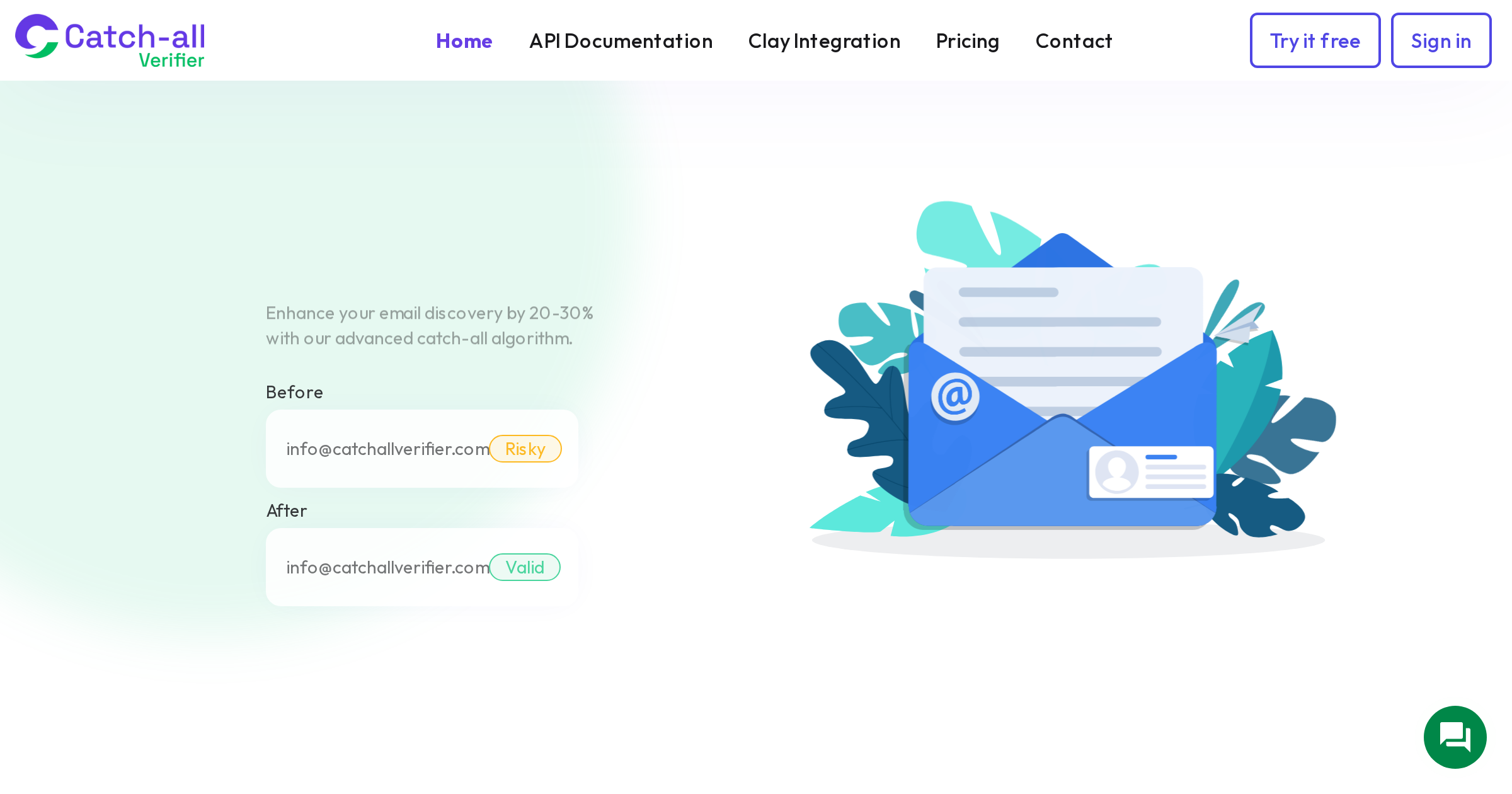
Discarding them means throwing away potential pipeline. If you run those 500 catch-all addresses through a specialized verification tool like CatchallVerifier, data shows roughly 75-80% will come back as deliverable. That is 375-400 additional valid contacts you would have lost. At a 5% reply rate, that is 19-20 more conversations. For a SaaS company with a $15,000 average deal value and a 20% close rate, those recovered leads represent roughly $57,000-$60,000 in potential pipeline.
Setting Up the Pre-Import Verification Workflow
The cleanest approach is to verify catch-all addresses before they ever touch Lemlist. Here is the step-by-step workflow that keeps your campaigns clean from day one.
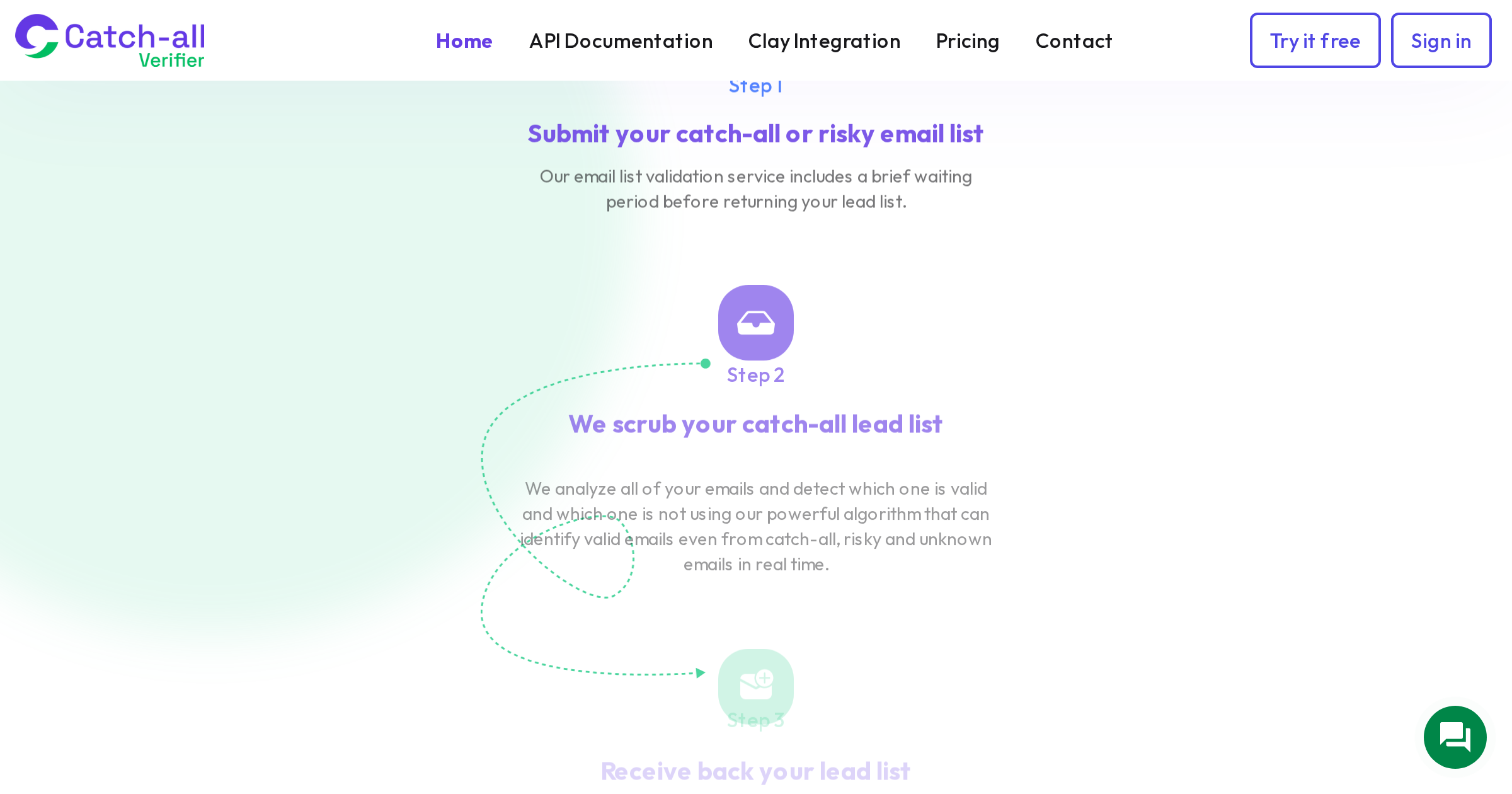
Step 1: Export and Segment Your Prospect List
Before importing into Lemlist, run your full prospect list through CatchallVerifier's bulk upload. You will get results categorized as valid, invalid, catch-all, risky, and unknown. Export just the catch-all segment into a separate CSV.
Step 2: Run Catch-All Verification
Upload your catch-all segment to CatchallVerifier. The platform uses proprietary methods beyond standard SMTP handshake verification to determine which addresses at catch-all domains are actually deliverable. Processing time depends on list size, but most lists under 5,000 complete within minutes.
From the results, you will get a clear split: deliverable and undeliverable. CatchallVerifier has tested lists showing 75-90% valid rates depending on the source quality, so expect to recover a significant portion of that catch-all segment.
Step 3: Merge and Import to Lemlist
Combine your originally valid addresses with the newly verified catch-all addresses into a single clean import file. Leave the undeliverable catch-all addresses and any risky results in a separate suppression file.
When importing into Lemlist, you now have a list where every address has been verified to the highest standard available. Your catch-all segment has been resolved rather than abandoned.
Step 4: Tag Your Segments
Use Lemlist's tagging system to mark which contacts came from the catch-all verification step. This lets you monitor performance separately. If the verified catch-all segment performs differently from the standard verified segment, you want to know about it so you can adjust your sending strategy.
Using the API for Automated Workflows
If you are running campaigns regularly and building prospect lists weekly or daily, the manual CSV workflow gets tedious fast. The better approach is to connect CatchallVerifier's API into your lead processing pipeline.
The typical automation looks like this: your enrichment tool (Clay, Apollo, or whatever you use to find prospects) outputs a list. That list feeds into a verification step via API. The API returns verification status for each address. Valid addresses route directly to Lemlist via Lemlist's API or a Zapier connection. Catch-all addresses route to CatchallVerifier's API for deeper verification, and the results feed back into the Lemlist import.
CatchallVerifier's API documentation covers the endpoints, request formats, and rate limits. The single email verification endpoint works well for real-time verification during prospect research. The bulk endpoint handles larger lists more efficiently.
A simple Python script or a Zapier multi-step zap can tie this together without any custom infrastructure. The investment in setup time pays back quickly when you are running weekly campaigns.
Optimizing Lemlist Campaign Settings for Verified Catch-All Addresses
Even after verification, there are a few Lemlist-specific adjustments worth making when your list includes formerly catch-all addresses.
Sending Volume
Start conservative with your verified catch-all segment. Even though these addresses have been verified as deliverable, they come from domains with catch-all configurations, which means the mail servers behave differently than standard ones. For the first campaign including a significant catch-all segment, consider reducing your daily sending limit by 20-30% from your normal pace. Monitor bounce rates for the first 48-72 hours before scaling back up.
Sequence Length
Catch-all domains are more common at larger organizations. Enterprise prospects typically need more touchpoints but also have more aggressive spam filtering. A 4-step sequence with longer intervals (3-5 days between touches) tends to perform better than the rapid 7-step sequences that work well for SMB outreach.
Content Approach
Enterprise prospects at catch-all domains are getting hammered with cold emails. Your messaging needs to be tight. Stick to the 80-word rule for first touches: the data shows elite performers keep initial cold emails under 80 words and see reply rates around 18%, compared to the 3.43% average. Plain text, no HTML, no tracking pixels if possible. Lemlist lets you disable open tracking per campaign, and for enterprise-heavy lists, consider doing exactly that. Open tracking adds a pixel that spam filters at large organizations detect readily.
Monitoring and Iterating
After your first campaign with verified catch-all addresses, pay attention to three numbers:
Bounce rate by segment. Compare your standard verified segment against your catch-all verified segment. They should be close. If the catch-all segment bounces at more than 2x the rate of the standard segment, investigate whether the source list had quality issues or if certain domains are problematic.
Reply rate by segment. Verified catch-all addresses often perform comparably to standard verified addresses in terms of reply rates. If you see a significant gap, it may indicate that the catch-all segment contains more generic or outdated addresses. Adjust your personalization strategy accordingly.
Domain reputation in Google Postmaster Tools. If you are sending to Gmail addresses alongside your catch-all segment, Google Postmaster Tools will show you whether your domain reputation is holding steady, improving, or declining. Any downward movement after introducing a catch-all segment means you should pause, re-evaluate list quality, and potentially reduce volume.
Cost Analysis: Is the Extra Verification Step Worth It?
CatchallVerifier's pricing starts at $35 for 5,000 credits (Starter plan) and drops to $0.0048 per credit on the Scale plan at $119 for 25,000 credits. Compare that to the cost of not verifying.
A bounced email on a warmed domain does not just waste a send. It chips away at domain reputation. Once your domain reputation drops, every email you send performs worse, not just the ones going to catch-all domains. The cascade effect of reputation damage means a few hundred bounces can impact deliverability for thousands of subsequent sends.
If you are running 5,000-contact Lemlist campaigns monthly, the Scale plan at $119 covers your entire list with catch-all verification included. That is less than the cost of a single warmed email domain. And those non-expiring credits mean you are not wasting money during slow months.
Common Mistakes Lemlist Users Make With Catch-All Addresses
After working with cold email senders across different platforms, a few patterns keep showing up.
Sending to unverified catch-all addresses because the list looks clean. The list might be clean from a standard verification perspective. But standard verification cannot tell you whether specific addresses at catch-all domains are real. It is like checking whether a building exists but not whether anyone lives in apartment 4B.
Removing all catch-all addresses to play it safe. This is the conservative approach that feels responsible but costs real money. If 25% of your list is catch-all and you discard all of them, you are throwing away 18-20% of potentially valid contacts since roughly 75-80% of catch-all addresses verify as deliverable.
Verifying once and never again. Email lists decay at 22-30% per year according to ZeroBounce data, which works out to about 2% per month. Addresses that were valid three months ago may not be valid today. Build re-verification into your workflow, especially for lists you are recycling through multiple campaigns.
Ignoring Lemlist's bounce data. Lemlist tracks bounces at the campaign level. Use this data to identify problematic domains and flag them for re-verification before your next send. A domain that bounced multiple addresses is worth investigating before you send to other contacts at the same domain.
The Bottom Line
Lemlist is a strong cold email platform, but like every platform in the space, it treats catch-all addresses as a category rather than resolving them. Layering specialized catch-all verification on top of Lemlist's built-in features is one of the highest-ROI improvements you can make to your outbound operation. The math is straightforward: recover 75-80% of your catch-all segment, protect your domain reputation, and put those extra conversations on your calendar.
The setup takes an afternoon. The impact shows up in your very next campaign.