Email Verification for Smartlead Users
Smartlead handles multi-inbox rotation, warmup, and campaign management. It is built for high-volume cold email outreach with sophisticated sending infrastructure. But like every cold email platform, the quality of your campaigns depends entirely on the quality of your prospect data.
Smartlead does not include built-in email verification at the level needed for catch-all domains. If your prospect list contains catch-all addresses (and in B2B prospecting, 15-40% of addresses typically are), you are sending into uncertainty. Some will deliver. Some will not. You have no way to know which is which unless you verify before importing.
Where Catch-All Addresses Create Problems in Smartlead
Smartlead rotates sends across multiple inboxes and domains. This is smart infrastructure design. But it means a bounce from a catch-all address can impact any of your sending inboxes, not just one. If you have 10 inboxes in rotation and catch-all bounces are distributed across all of them, the reputation damage spreads to your entire sending infrastructure.
Smartlead also tracks deliverability metrics per inbox. When bounce rates on a specific inbox exceed thresholds, Smartlead may reduce sending from that inbox. Catch-all bounces can trigger these throttling mechanisms, reducing your total sending capacity even though the root cause is data quality, not infrastructure.
The Pre-Campaign Verification Workflow
Before importing your prospect list into Smartlead, run it through verification:
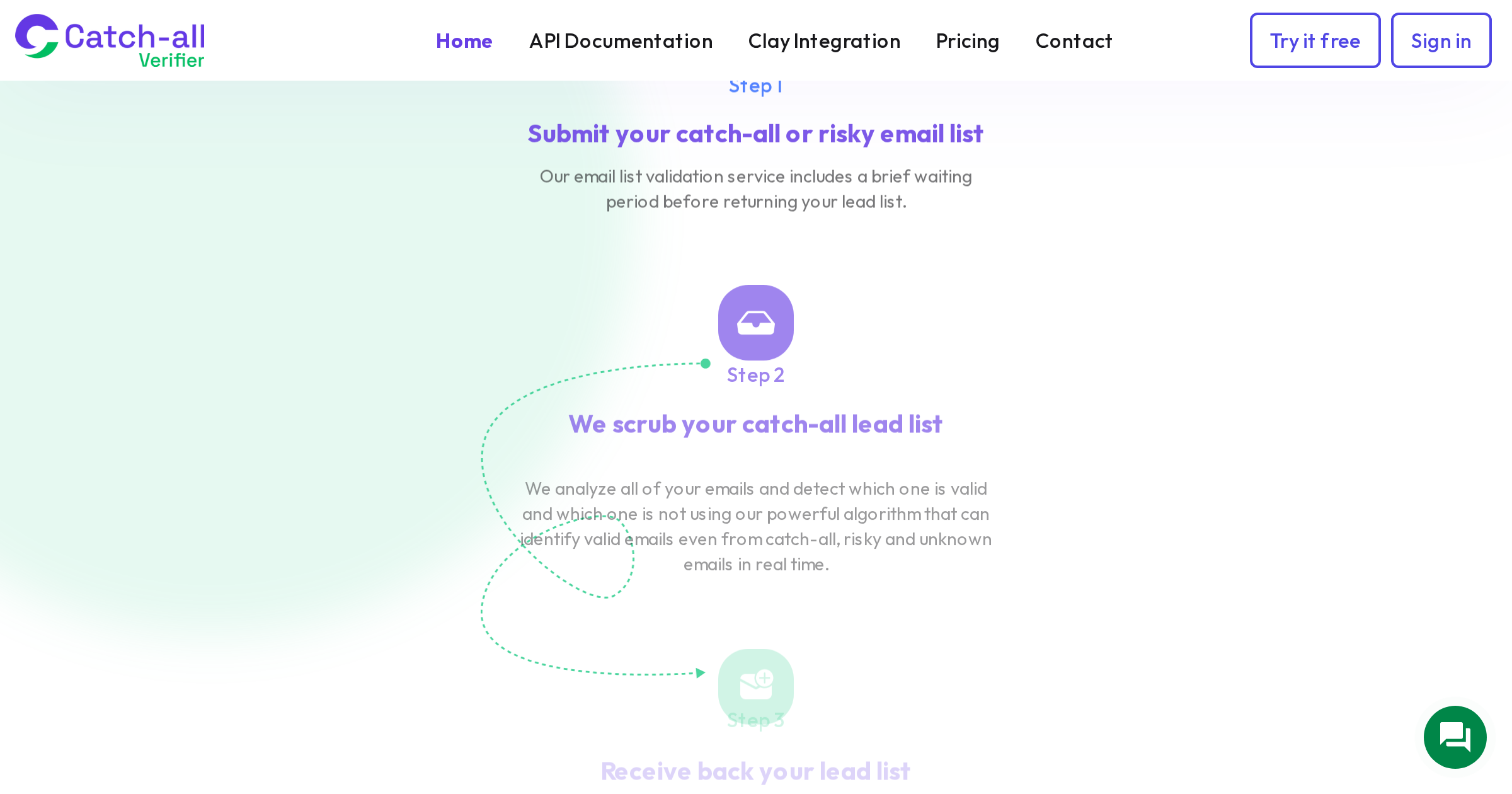
Export your prospect list from whatever source you are using (Clay, Apollo, LinkedIn scraping, manual research). Upload to CatchallVerifier for bulk verification. The platform identifies valid addresses, resolves catch-all addresses into deliverable and undeliverable, and flags risky and invalid entries. Filter your list to include only valid and catch-all-deliverable addresses. Import the clean list into Smartlead and configure your campaign.
This adds one step to your workflow (the verification run) but eliminates the bounce risk that can compromise your entire multi-inbox setup.
Optimizing for Smartlead's Multi-Inbox Architecture
Smartlead's strength is distributing sends across many inboxes. To maximize this, you want every send to count. Sending to an undeliverable catch-all address wastes one of your daily sends from one of your inboxes and generates a bounce that affects that inbox's reputation.
With verification, every one of your daily sends from every inbox reaches a real person. Your inbox rotation stays clean, your warmup remains intact, and your per-inbox metrics stay healthy.
Consider segmenting your Smartlead campaigns by verification confidence. Put your highest-confidence addresses (verified valid at non-catch-all domains) in one campaign with higher sending volume. Put your catch-all-verified addresses in a separate campaign with slightly lower volume and more careful monitoring. This lets you optimize sending strategy based on data quality tiers.
Expected Improvements
Teams that add CatchallVerifier to their Smartlead workflow typically see: bounce rates drop from 3-5% to under 1%, 15-25% more sendable contacts from the same prospect lists (recovered from the catch-all segment), steadier inbox reputation metrics across their sending infrastructure, and fewer inbox throttling events triggered by bounce rate thresholds.
The cost of verification is modest compared to the investment in Smartlead subscriptions, domain purchases, and warmup time. One reputation incident can cost weeks of warmup time across multiple inboxes. Verification prevents that incident from happening.
Integration Options
For teams running large volumes through Smartlead, consider automating the verification step. CatchallVerifier's API can be called from your data pipeline before the Smartlead import. If you use Clay or another enrichment tool upstream, add CatchallVerifier as the final enrichment step so your Smartlead import is always pre-verified.
For smaller operations, the manual bulk verification workflow (upload CSV, download verified results, import into Smartlead) takes minutes and works perfectly well.
Either way, the principle is the same: verify before you send. Your Smartlead infrastructure is too valuable to risk with unverified catch-all data.