Your customer just bought something from your site. They are staring at their inbox, waiting for the order confirmation. It never arrives. They check spam. Nothing. They try again, maybe reset their password. That email vanishes too. Within 90 seconds, trust in your brand has taken a hit that no marketing campaign can easily repair.
Transactional emails, the password resets, order confirmations, shipping notifications, account alerts, and receipts that keep businesses running, operate under completely different rules than marketing emails. They should see 99%+ delivery rates. When they do not, the business impact is immediate and measurable.
Why Transactional Emails Are Different
Marketing emails are optional. Nobody's day is ruined if a newsletter lands in promotions or arrives a few hours late. Transactional emails are expected. A customer who does not receive their password reset is locked out of their account. A buyer who does not get an order confirmation starts questioning whether the purchase went through at all.
The stakes show up in support ticket volume. Companies with poor transactional email delivery report 15 to 25% higher support contact rates, with the most common inquiry being some version of "I never got my confirmation email." Each of those tickets costs $5 to $25 to resolve, depending on your support infrastructure.
Mailbox providers also treat transactional emails differently from their side. Gmail, Outlook, and Yahoo all recognize that certain message types are time-sensitive and expected by the recipient. Transactional messages that are properly configured tend to bypass the Promotions tab and land directly in the Primary inbox. But only if your sending infrastructure is set up correctly.
The Infrastructure Separation Principle
The single biggest mistake companies make with transactional email is running it through the same infrastructure as marketing. When your weekly newsletter goes out to 100,000 people and generates a few spam complaints (even a rate under 0.3% means 300 complaints), that reputation damage bleeds into your transactional sending if both share the same domain or IP.
The fix is separation. Dedicated transactional sending needs its own subdomain (something like mail.yourdomain.com or notifications.yourdomain.com) with its own SPF, DKIM, and DMARC records. This creates a reputation firewall. Marketing problems stay on the marketing subdomain. Transactional delivery stays clean.
For companies sending more than 100,000 emails monthly, a dedicated IP address for transactional mail adds another layer of isolation. Below that volume, shared IP pools from reputable ESPs like SendGrid, Postmark, or Amazon SES work fine, as long as the provider separates their transactional and marketing IP pools (most good ones do).
Verification at the Point of Entry
Transactional emails only go to people who have already given you their email address, typically through a signup form or checkout flow. This makes point-of-entry verification both possible and critical. Every invalid address that enters your system becomes a hard bounce the moment a transactional email triggers.
Real-time API verification during form submission catches problems before they start. When a user types their email into your signup or checkout form, an API call to a verification service can check the address in 0.5 to 2 seconds. Syntax errors get caught immediately. Known disposable email domains get flagged. Invalid mailboxes get rejected before the user ever becomes a contact in your system.
The user experience concern is real: adding verification adds latency to form submission. But 0.5 to 2 seconds is within acceptable UX thresholds, especially when you display it as a validation step (a brief spinner with "Verifying email..." text). The alternative, silently accepting bad addresses and then failing to deliver critical messages, is far worse for user experience.
The Catch-All Challenge in Transactional Email
Catch-all domains create a specific problem for transactional senders. When someone from a catch-all domain signs up for your service, standard verification returns "catch-all" as the status. The address might be valid, or it might be a nonexistent mailbox that the server accepts anyway.
For marketing emails, you might choose to skip catch-all addresses. For transactional emails, you cannot. If someone bought your product, they need their receipt. If someone created an account, they need their welcome and verification emails.
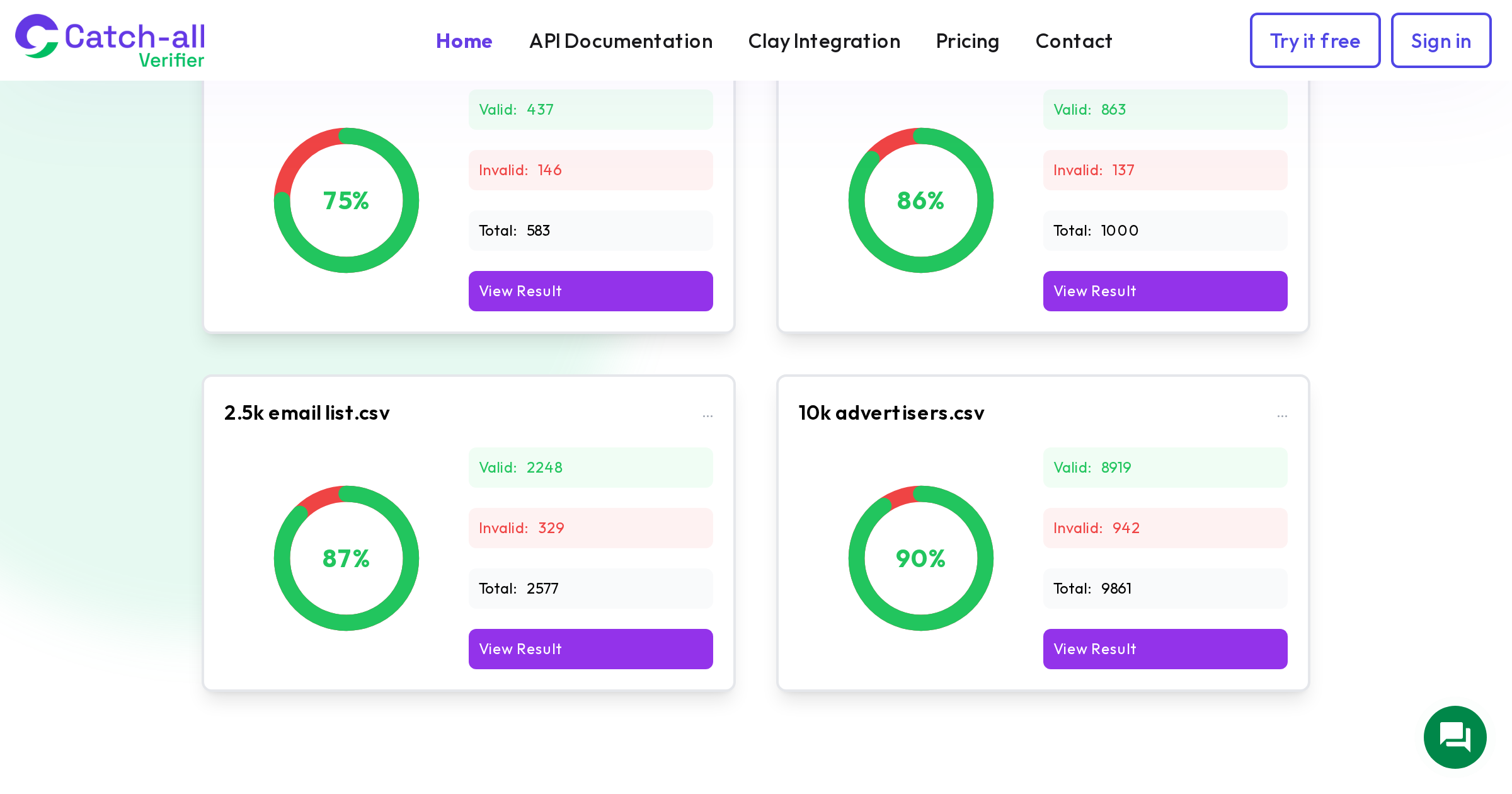
This is where specialized catch-all verification earns its keep. CatchallVerifier resolves catch-all addresses to valid or invalid with 75 to 90% accuracy across tested lists. For transactional senders, running catch-all addresses through this additional verification step identifies which ones will actually receive mail, so you can proactively reach out through alternative channels (SMS, in-app notification) for the ones that will not.
Authentication Is Non-Negotiable
Transactional email authentication needs to be perfect, not good enough. SPF, DKIM, and DMARC all need to be properly configured and aligned. Since February 2024, Gmail has required DMARC for bulk senders, and Microsoft joined that requirement in May 2025. Even though transactional senders might not hit the 5,000-per-day threshold that triggers the strictest rules, proper authentication improves inbox placement across the board.
For transactional subdomains specifically:
- SPF should include only the IP addresses or services that send transactional mail from that subdomain. Keep it tight. The fewer includes, the less risk of hitting the 10-lookup limit.
- DKIM signing should use 2048-bit keys (not the older 1024-bit) and should be configured specifically for the transactional subdomain.
- DMARC policy on the transactional subdomain should aim for p=reject, which tells receiving servers to block any unauthenticated email claiming to be from your transactional domain. This is the strongest protection and works well for transactional mail because legitimate transactional emails should always pass authentication.
Monitoring Transactional Delivery Health
Transactional email monitoring differs from marketing email monitoring. Open rates are unreliable (Apple Mail pre-loads tracking pixels for 49.29% of users according to multiple sources). Click rates vary wildly by message type. The metrics that matter are:
Delivery rate should be 99%+ for transactional email. Anything below 98% indicates an infrastructure problem that needs immediate attention. The global average inbox placement across all email types is 83.1 to 83.5% according to EmailToolTester, but transactional email from properly configured infrastructure should significantly outperform that average.
Bounce rate needs to stay well below 1% for transactional sends. The industry standard safe threshold is under 2%, but transactional email should aim for under 0.5% since every address in your transactional sending should have been verified at point of entry.
Time to delivery matters more for transactional than marketing. A password reset email that arrives 10 minutes late is functionally useless. Monitor delivery latency and set alerts for any message that takes more than 30 seconds to deliver.
Handling Delivery Failures Gracefully
Even with perfect verification and authentication, some transactional emails will fail to deliver. Mailbox full, temporary server issues, rate limiting, or a catch-all domain that changed its configuration since your last verification. The question is how you handle those failures.
Automatic retry logic should be built into your transactional sending. Soft bounces (temporary failures) should trigger 2 to 3 retries over 24 to 48 hours. Hard bounces (permanent failures) should immediately suppress the address from future transactional sending and trigger an alternative notification channel.
Alternative channels are the safety net. When an email fails to deliver, push notifications, SMS, or in-app messages should take over. This requires building a notification priority system: try email first, fall back to push, then SMS, then in-app. Each channel has different cost and reliability characteristics, but the goal is ensuring the customer gets their critical information regardless of email delivery status.
The Revenue Impact of Transactional Delivery
Transactional email drives revenue in ways that are easy to overlook. Abandoned cart emails, one of the highest-revenue transactional message types, recover 3 to 14% of abandoned carts depending on the industry and execution quality. For an e-commerce store with $1 million in annual cart abandonment, even the low end of that range represents $30,000 in recovered revenue.
But that recovery rate assumes the emails reach inboxes. If 10% of your abandoned cart emails bounce because the addresses were never verified, or if 15% land in spam because your transactional and marketing infrastructure share a damaged reputation, that $30,000 drops to $22,500 or less.
Password reset emails also have a direct revenue connection. A customer who cannot reset their password cannot log in. A customer who cannot log in cannot buy. Depending on your industry, the average customer lifetime value at risk from a single failed password reset ranges from hundreds to thousands of dollars.
Disposable Email Detection for Transactional Senders
Disposable email services like Mailinator, Guerrilla Mail, and Temp-Mail create addresses that self-destruct after minutes or hours. For transactional senders, disposable emails are particularly dangerous because the address is valid at the moment of signup but becomes a hard bounce shortly after.
Detection means maintaining an updated database of known disposable email domains. There are thousands of these domains, and new ones appear regularly. Verification services maintain these databases, and API-based detection at the point of signup catches the vast majority of disposable addresses before they enter your system.
The SaaS industry is especially affected. Free trial signups using disposable emails represent not just a deliverability risk but a business model risk, as users creating throwaway accounts to abuse free tiers. Blocking disposable emails at signup protects both deliverability and revenue.
Building a Resilient Transactional Email System
The overall architecture for reliable transactional email delivery comes down to a few non-negotiable components:
Separate your transactional and marketing sending infrastructure. Use different subdomains, and ideally different IPs or sending services. Verify every email address at the point of entry using real-time API verification. Flag catch-all addresses for specialized verification so you know which transactional recipients will actually receive your messages. Configure SPF, DKIM, and DMARC perfectly on your transactional subdomain with the strictest possible policies. Monitor delivery rate, bounce rate, and delivery latency continuously with alerts for any degradation. Build fallback notification channels for when email delivery fails.
The cost of this infrastructure is minimal compared to the cost of failed transactional delivery. A single lost customer because of a missing order confirmation or password reset represents more revenue loss than a year of verification and monitoring costs.