How to Handle Role-Based Email Addresses
Your email verification tool just flagged 200 addresses as "role-based." Now you are wondering: should you send to them or not? The answer depends entirely on context, and most advice on this topic is too simplistic to be useful.
Role-based email addresses are addresses that represent a function or group rather than an individual person. Think info@company.com, sales@company.com, support@company.com, or admin@company.com. They typically go to a shared inbox monitored by multiple people, or they forward to one person responsible for that function.
The conventional wisdom says "remove all role-based addresses from your list." That advice makes sense for certain use cases and is completely wrong for others. Let us break down when to keep them, when to remove them, and how to handle them if you decide to send.
Why Role-Based Addresses Are Flagged
Verification tools flag role-based addresses for several legitimate reasons:
Higher complaint rates. When an email arrives at a shared inbox, whoever reads it may not know why the company is receiving it. They did not personally opt in. So they are more likely to mark it as spam. One spam complaint from a role-based address counts the same as one from an individual, but the probability of getting that complaint is higher.
Unclear consent. Did "info@company.com" opt in to your emails? Someone at the company might have, but the specific person reading the inbox today may not know that. This creates compliance ambiguity, especially under GDPR where consent is supposed to be informed and specific.
Shared inbox dynamics. Multiple people read the inbox, which means multiple people might all mark your email as spam independently. Or one person might mark it as spam while another would have found it valuable. The shared nature makes engagement unpredictable.
Deliverability risk. Because of the higher complaint rates, including too many role-based addresses in your sends can drag your sender reputation down. Some ESPs restrict sending to role-based addresses for this reason.
When to Keep Role-Based Addresses
Despite the risks, there are legitimate scenarios where role-based addresses are exactly who you want to reach:
B2B sales to small businesses. Many small businesses only have role-based addresses. info@smallbusiness.com might be the only publicly listed email. If you are prospecting small businesses, removing all role-based addresses eliminates a significant portion of your addressable market.
Account-based marketing. When targeting specific accounts, you might need to reach the sales team (sales@targetcompany.com) or general inquiries (info@targetcompany.com) as part of your multi-touch strategy. In ABM, relevance is high and the addresses are intentionally selected.
Partnership and vendor outreach. Reaching out to establish partnerships, apply to vendor programs, or make business inquiries often requires contacting role-based addresses. This is expected business communication.
Customer support contexts. If you provide a service that is relevant to the company's support function (help desk software, customer success tools), support@company.com is exactly the right audience.
They actively opted in. If someone submitted your form using a role-based address, they made a deliberate choice. Removing their email because it is role-based contradicts the consent they explicitly gave.
When to Remove Role-Based Addresses
Marketing newsletters and content emails. If you are sending newsletters, blog updates, or promotional content, role-based addresses are poor targets. The content is meant for individuals, and shared inboxes are likely to generate complaints.
Cold email at scale. When sending cold outreach to large lists, role-based addresses increase your complaint rate without adding proportional value. Individual contacts are almost always better targets for cold email.
When your bounce rate is already high. If you are already struggling with deliverability, removing role-based addresses reduces one source of risk. Focus on cleaning up your list before reintroducing higher-risk segments.
When you have individual alternatives. If you have both info@company.com and john.smith@company.com for the same organization, use the individual address. It will get better engagement and lower complaint risk.
How to Handle Role-Based Addresses You Keep
If you decide to send to role-based addresses, treat them differently than individual contacts:
Lower sending frequency. Do not include role-based addresses in every campaign. Select only your most relevant, highest-value content. If you normally send weekly, send to role-based addresses monthly at most.
Highly relevant content only. The bar for relevance is higher with shared inboxes. Generic content gets marked as spam. Specific, valuable content relevant to the role (sales content for sales@, product updates for support@) has a better chance of being received positively.
Monitor engagement separately. Track open rates, click rates, and complaint rates for your role-based segment independently. If complaint rates from role-based addresses exceed 0.3%, pull them from your sends immediately.
Include clear context. In your email, make it easy for the reader to understand why they received it. "We are reaching out to your sales team because..." gives the shared inbox reader context they would not otherwise have.
Easy opt-out. Make unsubscribe prominent and functional. If someone in a shared inbox wants to stop receiving your emails, let them do it with one click. Making it hard to unsubscribe almost guarantees a spam complaint instead.
Role-Based Addresses at Catch-All Domains
Here is where things get interesting. Many catch-all domains use role-based addresses extensively. The IT admin set up the catch-all configuration precisely so that emails to any address (including role-based ones) would be received and routed appropriately.
Standard verification tools will flag these addresses as both "catch-all" and "role-based." That is two layers of uncertainty. You do not know if the address is deliverable (catch-all), and you know it goes to a shared inbox (role-based).
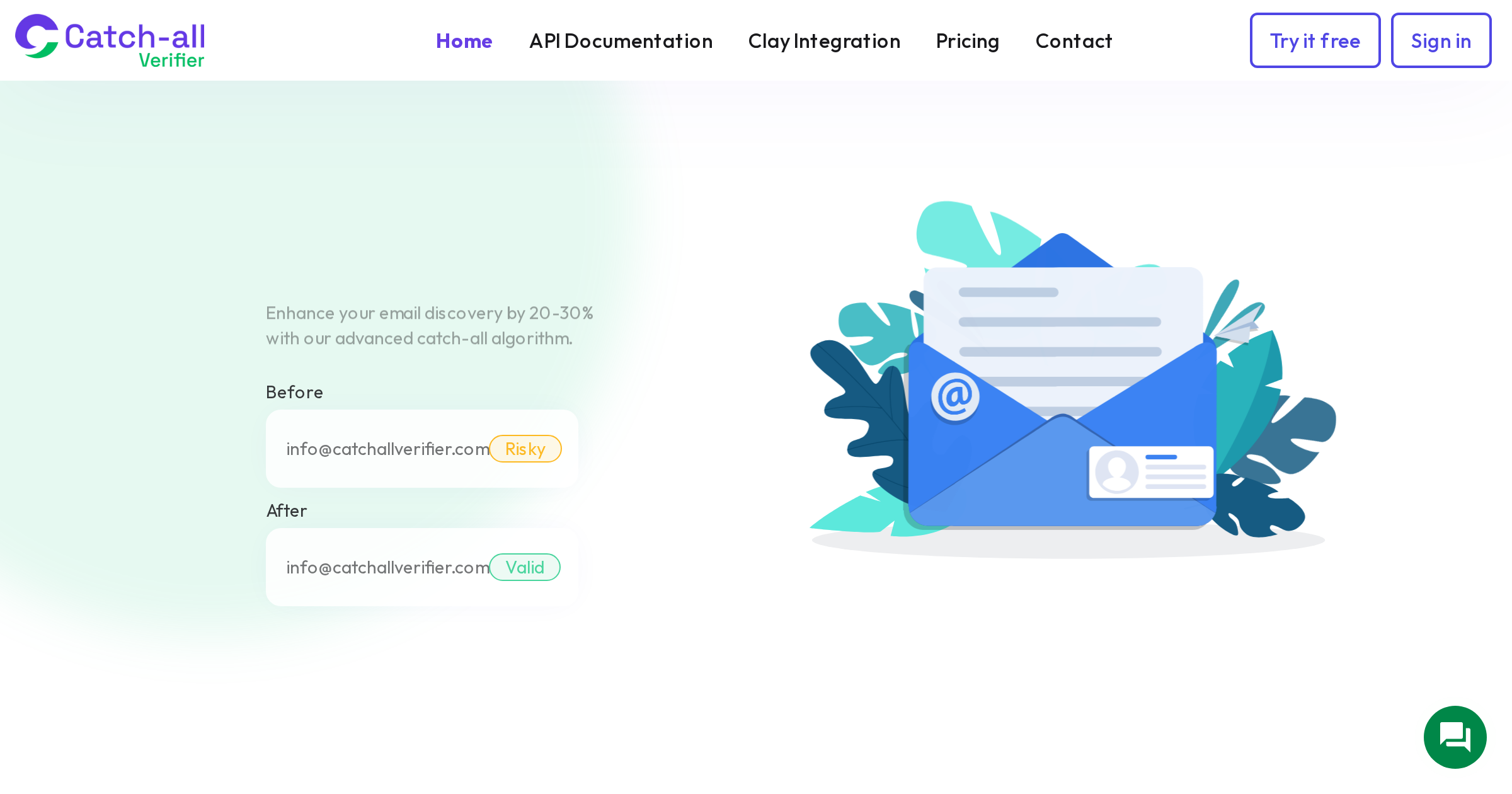
CatchallVerifier can resolve the catch-all question by determining whether the specific role-based address at the catch-all domain actually delivers. This turns two unknowns into one: you know the address is deliverable, and you can make an informed decision about whether to send based on the role-based considerations alone.
Which Role-Based Prefixes Are Riskiest
Not all role-based addresses carry the same risk. Here is a rough ranking from lower risk to higher risk:
Lower risk: sales@, marketing@, partnerships@, press@. These inboxes expect outbound communication. The people monitoring them are accustomed to receiving unsolicited but relevant business emails.
Medium risk: info@, hello@, contact@. General inquiry addresses. Recipients expect questions and inquiries but not marketing content. Keep your messaging conversational and inquiry-like rather than promotional.
Higher risk: support@, help@, service@. These are for customer service. Sending sales content here is likely to generate complaints because it is clearly not what the inbox is for.
Highest risk: abuse@, postmaster@, noc@. These are technical administrative addresses, often required by RFC standards. Never send marketing or sales content here. abuse@ in particular is monitored by anti-spam operations, and sending to it can directly trigger blocklisting.
Building a Role-Based Address Policy
Create a clear policy for your team that covers which role-based prefixes you will and will not send to, what type of content is appropriate for role-based addresses, the maximum sending frequency for role-based segments, complaint rate thresholds that trigger removal, and how to handle role-based addresses that actively opted in versus those from enrichment.
Document this policy, share it with your marketing and sales teams, and enforce it consistently. A clear policy prevents the ad-hoc decisions that lead to deliverability problems.
The short version: role-based addresses are not inherently bad. They are higher-risk and require more thoughtful handling. Blanket removal is lazy advice that costs you legitimate business opportunities. Blanket inclusion is reckless and will hurt your deliverability. The smart approach is somewhere in between, tailored to your specific business and sending context.