Segmentation Is a Deliverability Strategy, Not Just a Marketing One
Most people think of segmentation as a marketing tactic: send different messages to different groups for better relevance. That is true, but segmentation has an equally important role in deliverability that gets overlooked. How you divide your list and the order in which you send to different segments directly affects whether your emails reach the inbox or land in spam.
Here is why: Gmail, Microsoft, and Yahoo all use engagement signals to determine where your next batch of emails goes. If you send to 10,000 people and the first 2,000 recipients ignore your email (low opens, no replies, some spam reports), the mailbox provider starts routing the remaining 8,000 messages to spam. But if the first 2,000 recipients are your most engaged contacts who open, click, and reply, the provider sees positive signals and delivers the rest to the inbox.
Sending to engaged segments first can increase overall inbox placement by 10-15%. That is not a marginal improvement. On a 50,000-person list, that is 5,000-7,500 more people who actually see your email.
Segment by Engagement Level
The most impactful segmentation for deliverability is based on how recently and frequently contacts have engaged with your emails. Create these tiers:
Tier 1: Highly Engaged (Last 30 Days)
These are contacts who have opened, clicked, or replied to at least one email in the past 30 days. This is your deliverability seed group. Always send to them first, ideally 1-2 hours before sending to other segments. Their positive engagement signals prime the mailbox providers to treat your sending favorably.
For cold email senders, Tier 1 includes prospects who have replied to previous campaigns (even if they said no), people who clicked links, and contacts on warm domains where you have established sending history.
Tier 2: Recently Engaged (31-90 Days)
Contacts who engaged in the past 1-3 months but not in the last 30 days. These are still warm enough to expect reasonable engagement. Send to them 1-2 hours after Tier 1, once the positive signals from your engaged segment have established a baseline.
Tier 3: Cooling (91-180 Days)
Contacts who have not engaged in 3-6 months. Their addresses are more likely to have become invalid (B2B lists decay at roughly 2.1% per month, which means about 12% of this segment may have gone bad). Consider re-verifying this segment before sending, especially for addresses on catch-all domains where the catch-all configuration might have changed.
Tier 4: Cold (180+ Days)
Contacts with no engagement in over 6 months. This segment carries the highest risk. Recycled spam traps activate after 6-24 months of inactivity, so addresses that have been unresponsive for 6+ months could be spam traps. Definitely re-verify before sending. Many deliverability experts recommend running a re-engagement campaign to this segment and then sunsetting anyone who does not respond.
Segment by Verification Status
After running your list through a verification service, you get contacts classified into different categories. Each category warrants different treatment:
Valid Addresses
Confirmed deliverable. Send normally. These are your safest contacts from a deliverability perspective.
Catch-All Addresses
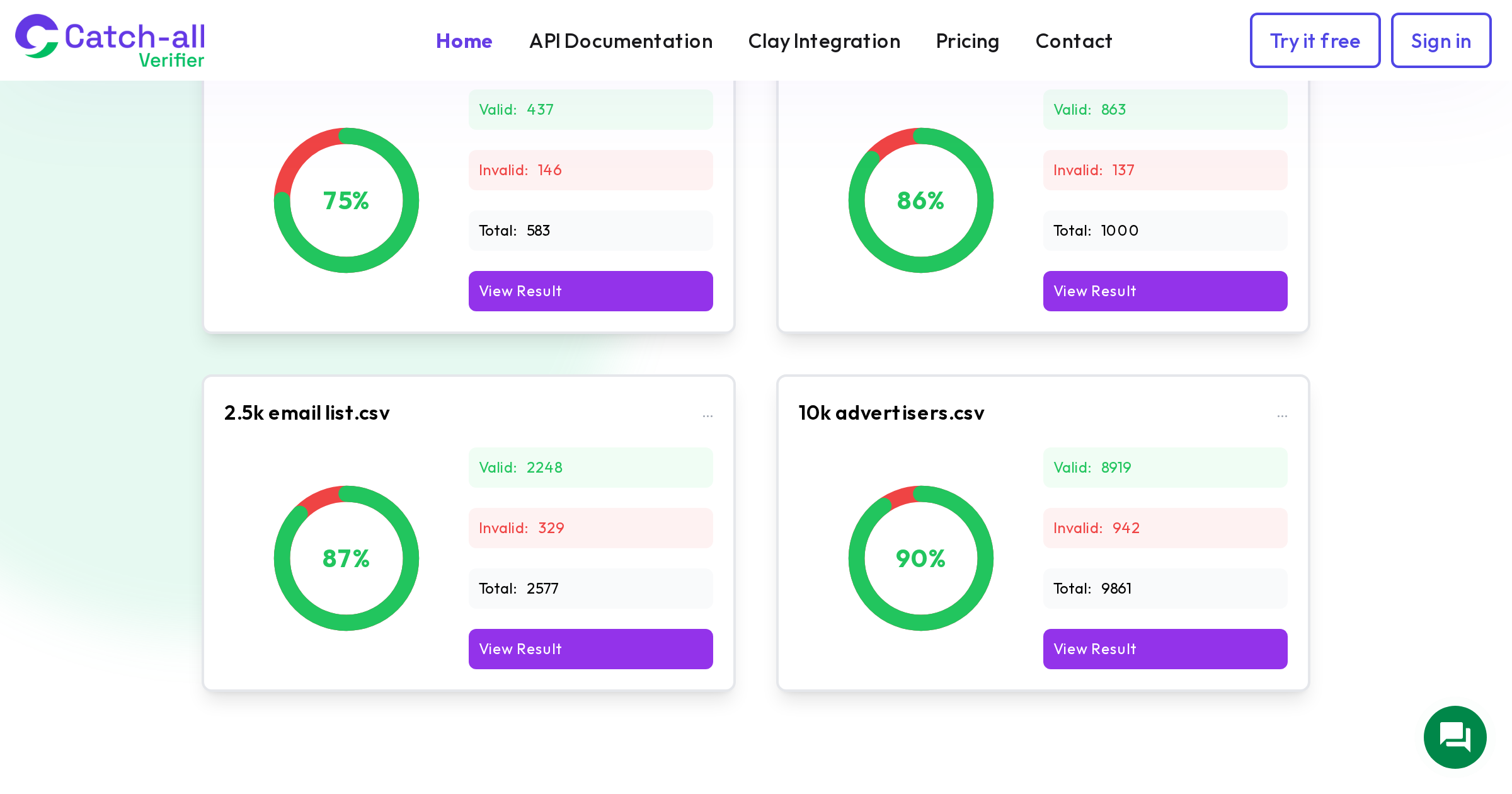
Standard verification tools label these as catch-all without resolving them into valid or invalid. If you use a specialized catch-all verification service like CatchallVerifier, you can further segment catch-all addresses by confidence level. CatchallVerifier's tested validation rates show 75-90% of catch-all addresses are actually valid depending on the list, which means most of these contacts are reachable.
For catch-all addresses verified as likely valid, send with slightly more conservative volume (smaller batches with longer gaps between sends). For unresolved catch-all addresses, limit to your highest-value prospects only, and monitor bounce rates per batch. If a batch exceeds 3% bounces, pause and reassess.
Risky Addresses
These are addresses that might deliver but carry elevated risk. Examples include role-based addresses (info@, sales@), addresses with known deliverability issues, or addresses at domains with recent configuration changes. Send to these only if the contact is high-value, and always in small batches.
Invalid and Disposable
Remove these entirely. Sending to known invalid addresses is the fastest way to damage your sender reputation. There is no segmentation strategy that makes sending to invalid addresses acceptable.
Segment by Domain Type
The domain your contacts use affects deliverability in ways that most senders do not account for.
Gmail Recipients
Gmail has the highest inbox placement rate for B2B email at 87.2%, down from 89.8% in early 2024 but still the most favorable major provider. Gmail uses engagement-weighted algorithms heavily, so your engagement-based segmentation matters most here. Gmail also enforces strict DMARC requirements for bulk senders (spam complaints must stay below 0.3%, or 0.1% for senders of 5,000+ daily messages).
Microsoft/Outlook Recipients
Outlook's B2B inbox placement rate sits at a painful 26.77%. That is not a typo. Roughly three out of four B2B emails sent to Outlook end up somewhere other than the inbox. Microsoft's filtering is notoriously aggressive and opaque. For Outlook-heavy segments, send in smaller batches, use even more conservative volume, and make sure your Microsoft SNDS registration is active so you can monitor reputation there specifically.
Corporate/Custom Domains
Many B2B contacts use their company's domain, which could run on Google Workspace, Microsoft 365, or a self-hosted mail server. The 40%+ catch-all rate among enterprise domains means a significant portion of these contacts need catch-all verification. Segment corporate domain contacts separately and run them through catch-all verification before including them in campaigns.
Legacy/Uncommon Providers
Contacts on older or less common email providers (certain ISPs, regional providers, legacy corporate systems) may have different deliverability characteristics. If you see consistently different bounce rates or engagement patterns from a specific provider, create a segment for it and adjust your sending approach accordingly.
Segment by Data Source
Where a contact came from strongly predicts its quality:
- Organic signups (website forms, event registrations): Highest quality. These people gave you their email voluntarily. Low bounce risk, high engagement potential.
- Sales-sourced (LinkedIn, manual research): Good quality if recently sourced. Verify before sending.
- Enrichment tools (Apollo, ZoomInfo, Clearbit): Moderate quality. Apollo claims 91% accuracy, but catch-all domains are where accuracy drops. Always verify, especially catch-all addresses.
- Purchased lists: Lowest quality. Purchased lists contain 3-5% spam traps on average and drive complaint rates 5-10x higher than organic lists. If you must use purchased data, verify aggressively and send in tiny batches with close monitoring.
Putting It All Together: A Sending Workflow
Here is how these segments combine into a practical sending workflow:
- Step 1: Verify your entire list. Remove invalid and disposable addresses. Resolve catch-all addresses with a specialized tool.
- Step 2: Tag each contact with their engagement tier (1-4), verification status, and domain type.
- Step 3: For each campaign, send in this order: Tier 1 engaged + valid addresses first. Wait 1-2 hours. Then Tier 2 engaged + valid. Wait another hour. Then Tier 1-2 catch-all (verified). Then Tier 3 valid. Tier 3 catch-all and Tier 4 contacts get sent last, in small batches with monitoring.
- Step 4: Monitor bounce rates and spam complaints per segment. If any segment exceeds 2% bounce rate or 0.3% complaint rate, pause sending to that segment and investigate.
- Step 5: After each campaign, update engagement tier assignments based on who opened, clicked, or replied.
This workflow sounds complex, but most email platforms (HubSpot, Mailchimp, ActiveCampaign) support dynamic segments that update automatically based on engagement data. Set up the segments once, and they maintain themselves.
For cold email tools (Instantly, Smartlead, Lemlist), the segmentation is more manual but just as important. Create separate campaigns for each segment rather than dumping everyone into one sequence. This lets you adjust volume, timing, and content per segment.
Measuring Segmentation Impact
Track these metrics to confirm your segmentation is improving deliverability:
- Inbox placement rate by segment: Use inbox placement testing tools (GlockApps, Warmy, MailReach) to check where emails land for each segment
- Bounce rate by segment: Should be under 1% for Tier 1-2 valid segments, under 2% for catch-all segments
- Spam complaint rate: Should be under 0.1% for engaged segments, under 0.3% overall
- Domain reputation trend: Check Google Postmaster Tools weekly for reputation direction (High/Medium/Low/Bad)
Most senders see measurable improvement within 2-3 sending cycles after implementing engagement-based segmentation. The initial setup takes a few hours, but the ongoing maintenance is minimal once your segments are defined and your platform is tracking engagement automatically.