Why Most Email Databases Are Worse Than You Think
ZeroBounce's analysis found that only 62% of all submitted email addresses are valid upon verification. That means if you have a database of 50,000 contacts that has never been verified, roughly 19,000 of those addresses are invalid, risky, or otherwise problematic. You have been paying to store them, segmenting them into campaigns, and wondering why your bounce rates keep climbing.
Email lists decay at 22-30% per year depending on the source. B2B lists are particularly brutal, decaying at 25-30% annually because of job changes, company closures, and email system migrations. The average person changes jobs every 2-4 years, and when they leave, their corporate email either bounces (immediately harmful) or gets absorbed into a catch-all configuration (silently harmful).
A database audit gives you an honest picture of what you are working with. It identifies the specific problems dragging down your deliverability and gives you a prioritized fix list. Here is how to run one.
Step 1: Duplicate Analysis
Start with the easiest problem to quantify. Average CRM databases contain 10-30% duplicate records. Duplicates inflate your contact count (making your database look bigger than it is), waste sending credits (you pay to email the same person twice), and distort engagement metrics (one person's clicks spread across two records look like two half-engaged contacts instead of one active one).
Check for exact duplicates first (identical email addresses). Then check for near-duplicates:
- Case variations: John@Company.com and john@company.com are the same address (email local parts are technically case-sensitive per RFC, but virtually no mail server enforces this)
- Gmail dot variations: john.smith@gmail.com and johnsmith@gmail.com deliver to the same Gmail inbox. Gmail ignores dots in the local part.
- Plus addressing: john+newsletter@gmail.com and john+webinar@gmail.com are the same person. The text after + is an alias.
- Domain typos: john@gmial.com might be john@gmail.com with a typo that was never caught at signup
Merge duplicates rather than randomly deleting one copy. Keep the record with the most complete data (job title, company, engagement history) and merge any unique data from the duplicate.
Step 2: Bounce History Analysis
Pull your bounce data from the past 6-12 months. You are looking for three things:
Hard bounce rate: What percentage of your sends result in hard bounces? The industry standard target is below 2%, and ideally below 1%. If you are above 2%, your list has a significant invalid address problem. B2B hard bounce rates should be in the 0.34-0.5% range according to benchmarks from ActiveCampaign and MailerLite.
Repeat soft bouncers: Addresses that soft bounce (mailbox full, server temporarily unavailable) on three or more consecutive sends are effectively dead. Many email platforms automatically suppress hard bounces but leave chronic soft bouncers active. Identify addresses that have soft bounced 3+ times in a row and either verify them or suppress them.
Domain-level patterns: Group bounces by domain. If you see a high bounce rate from a specific company domain, it might mean that company has undergone a migration, been acquired, or changed their email infrastructure. A single domain causing 20% of your bounces is a different problem than bounces spread evenly across thousands of domains.
Step 3: Engagement Distribution
Map your entire database against engagement recency:
- Engaged in last 30 days: your active core
- Engaged in 31-90 days: warm but cooling
- Engaged in 91-180 days: at risk
- No engagement in 180+ days: likely dead weight
- Never engaged: never opened a single email you sent
A healthy database has at least 30-40% of contacts in the active core (30-day engagement). If your active core is below 20%, your database has a serious engagement problem that will drag down deliverability for everyone, including your engaged contacts.
The never-engaged segment deserves special attention. If someone has received 10+ emails from you and never opened any of them, there are three likely explanations: the address is invalid (bounces are being silently handled), the person is genuinely uninterested (and their lack of engagement is hurting your sender reputation), or your emails are going to their spam folder (which means their negative engagement signal is perpetuating the spam placement). In all three cases, keeping them in your active sending list hurts you.
Step 4: Catch-All Percentage
Run your database through a verification service and specifically measure the percentage that comes back as catch-all. The industry average sits around 17.5% according to BulkEmailChecker's 2025 data, but B2B databases targeting mid-market and enterprise accounts often see 25-40% catch-all rates. Enterprise domains use catch-all configurations at 40%+ rates.
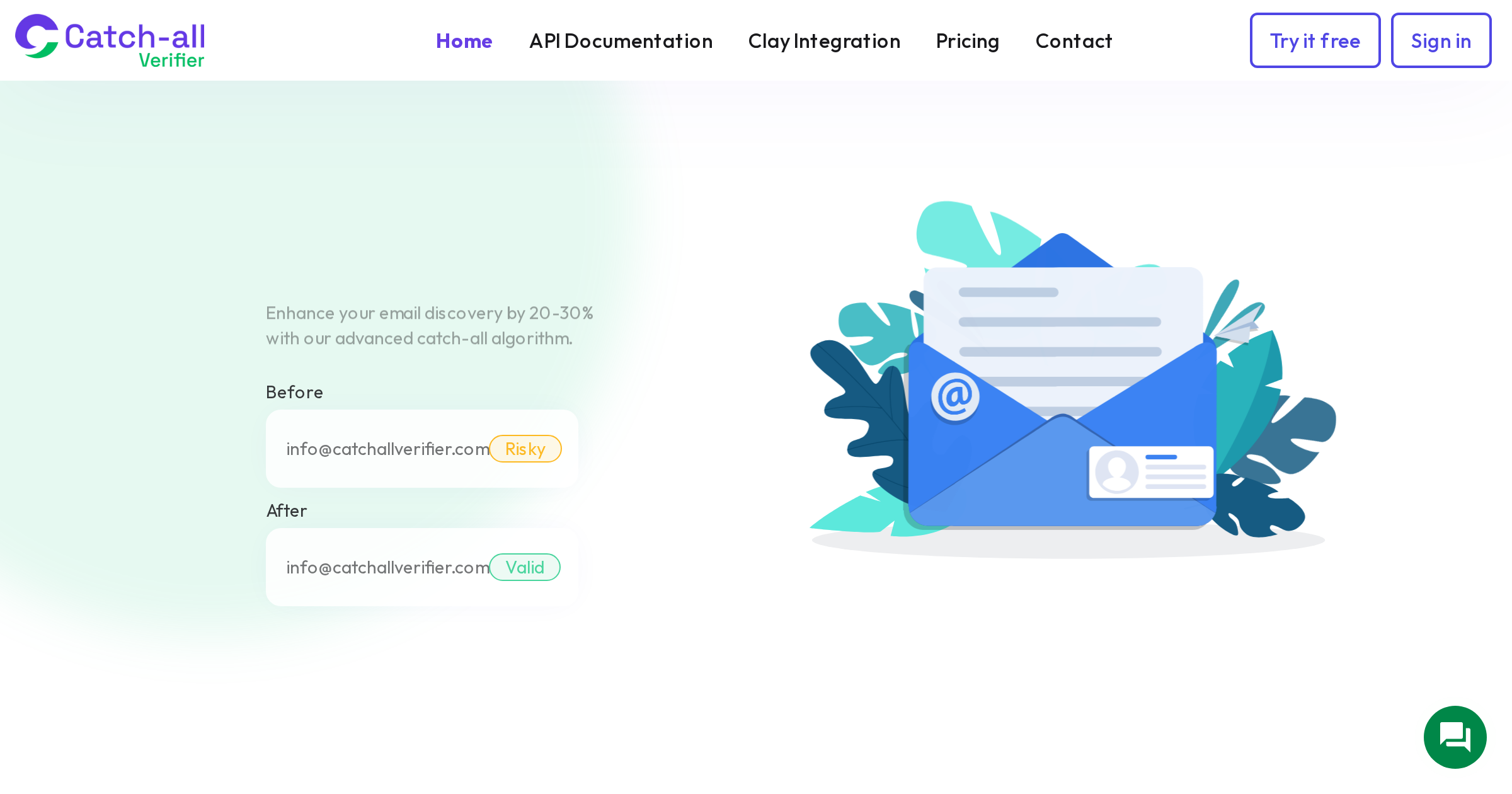
A high catch-all percentage is not inherently bad, but it represents a blind spot. Standard verification tools tell you these addresses are catch-all, but they cannot tell you if they are valid or invalid. That 30% of your database labeled catch-all might be 75-90% deliverable (based on CatchallVerifier's tested rates), but without specialized catch-all verification, you are guessing.
Calculate the potential value of your catch-all segment. If you have 10,000 catch-all addresses and specialized verification shows 80% are valid, that is 8,000 contacts you can confidently send to. At an average B2B deal value, even converting a small fraction of those justifies the verification cost.
Step 5: Age Distribution
When was each contact added to your database? Map the age distribution:
- Added in last 3 months: freshest data, lowest decay risk
- Added 3-6 months ago: moderate decay, still relatively reliable
- Added 6-12 months ago: significant decay expected (11-15% of these may have gone bad based on 2.1% monthly B2B decay)
- Added 12-24 months ago: heavy decay (22-30% likely invalid)
- Added 24+ months ago: if never re-verified, expect 40%+ invalid
Age alone does not make a contact bad. An address added two years ago that engaged last week is fine. But an address added two years ago with no engagement is almost certainly dead or trapped. Cross-reference age with engagement data to identify the highest-risk records.
Step 6: Source Quality Analysis
Tag every contact with their original source: website form, event registration, purchased list, enrichment tool (Apollo, ZoomInfo, etc.), manual research, referral, or import from previous system.
Then calculate the quality metrics for each source:
- Validity rate after verification (what percentage are valid?)
- Catch-all rate (what percentage are catch-all?)
- Engagement rate (what percentage have ever engaged?)
- Bounce rate (what percentage have bounced?)
You will quickly see which sources produce high-quality contacts and which ones feed garbage into your database. Purchased lists typically show 3-5% spam trap rates and significantly higher bounce rates than organic sources. Enrichment tools vary widely; Apollo's 91% overall accuracy drops significantly for contacts on catch-all domains.
Use this analysis to adjust your acquisition strategy. Double down on high-quality sources and either improve or eliminate low-quality ones.
Step 7: Create Your Audit Scorecard
Summarize your findings into a single scorecard:
- Database size: Total contacts and total after removing invalids and duplicates
- Validity rate: Percentage verified as valid (target: 80%+)
- Catch-all rate: Percentage classified as catch-all (note: not inherently bad, but needs resolution)
- Duplicate rate: Percentage of duplicates found (target: under 5%)
- Engagement rate: Percentage engaged in last 90 days (target: 30%+)
- Bounce rate: Hard bounce rate on recent sends (target: under 1%)
- Age risk: Percentage of contacts older than 12 months without recent engagement
- Source quality: Best and worst performing sources by validity and engagement
This scorecard becomes your baseline. Run the audit quarterly and track how each metric improves (or declines) over time. The first audit usually reveals that the database is in worse shape than anyone expected, which is normal. The value comes from having a clear picture that drives specific action items.
Turning Audit Results into Action
Prioritize fixes based on impact:
Immediate (this week): Remove all verified invalid addresses. Suppress all chronic soft bouncers. Merge obvious duplicates. This alone will improve your next campaign's bounce rate noticeably.
Short-term (this month): Run catch-all addresses through specialized verification. Re-verify all contacts older than 12 months. Set up a re-engagement campaign for the 180+ day inactive segment before sunsetting non-responders.
Ongoing (quarterly): Re-run the audit to track improvement. Implement real-time verification on all new data entry points (forms, CRM imports, enrichment workflows). Review source quality and adjust acquisition spending toward higher-quality sources.
The first audit is the hardest because you are confronting accumulated neglect. But once you have a clean baseline and regular monitoring, maintaining database quality becomes a manageable routine rather than an overwhelming cleanup project.